CH 11 · Every device
Same band.Any screen.
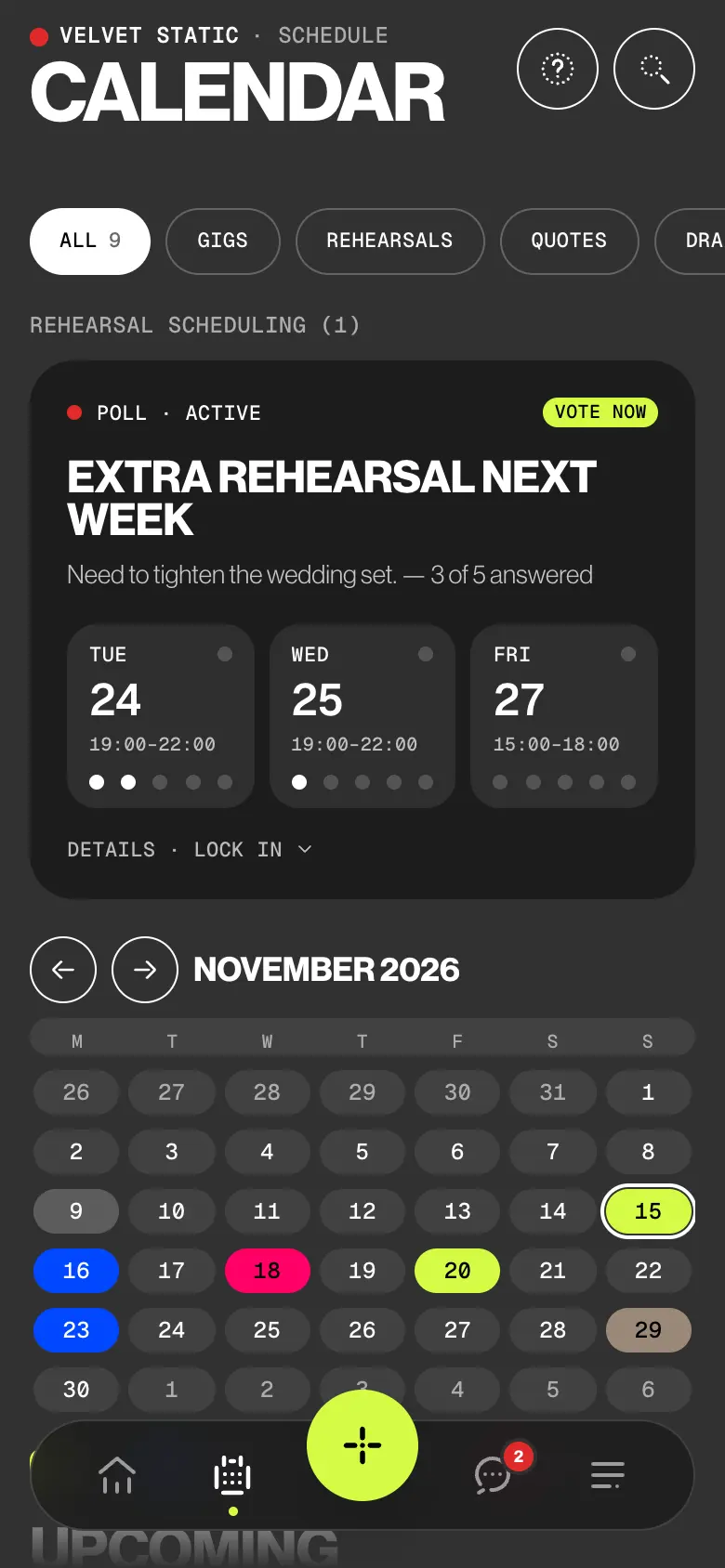
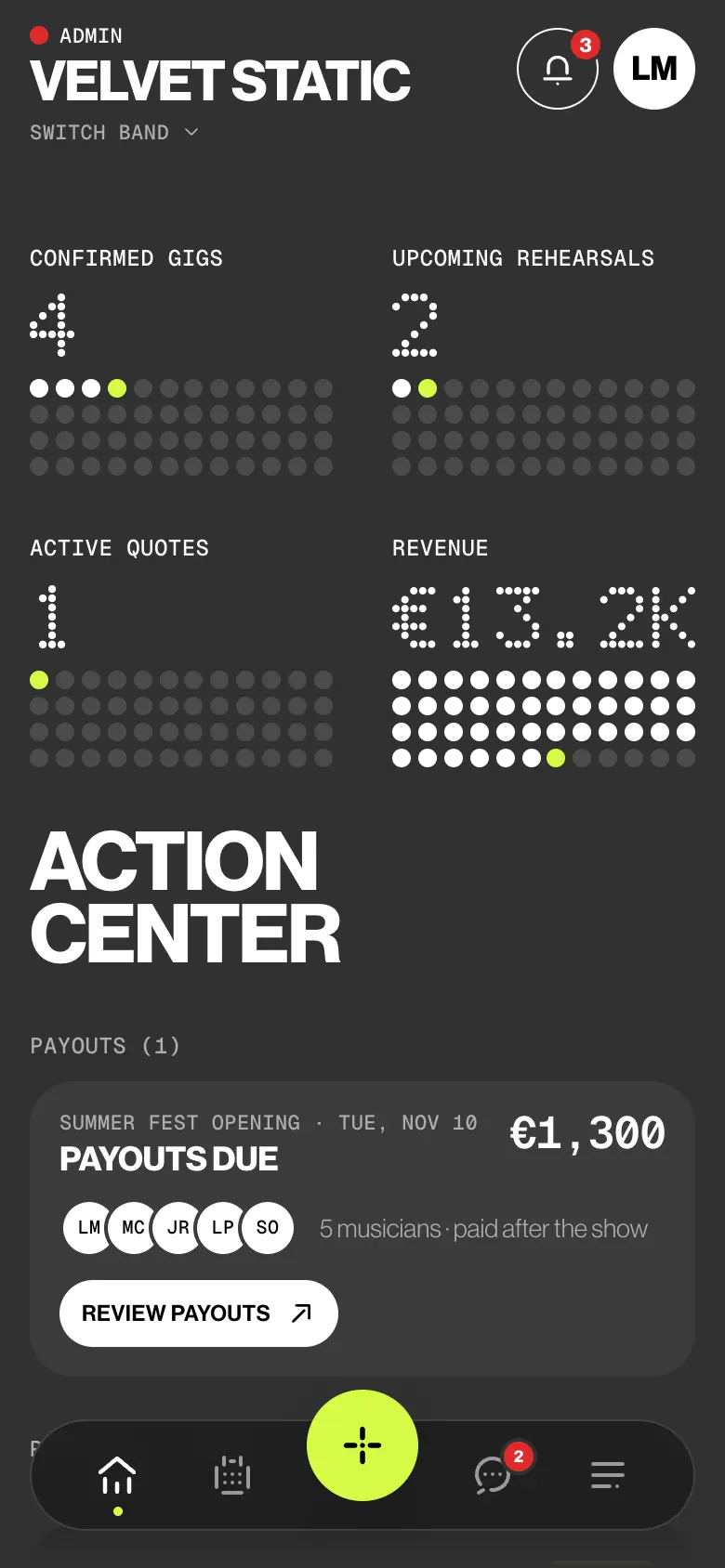
BandWith is the same app everywhere, with the same data and the same rules. What changes is the layout: one screen on a phone, two panes on an iPad, two pages on an open dual-screen phone.
- iPhone & Android
- iPad, two panes
- Dual-screen
- Any browser
 CH 11 · Every device
How it works
One account.
Every pocket.
01
Sign in anywhere
Use the same account on your phone, an iPad or a browser. Your bands, gigs, setlists and settings are the same everywhere, and so is who sees what.
02
One screen at a time
On iPhone and Android you see one screen, with the tab bar at the bottom. Sheets slide up and swipe down. Turn the phone sideways and it keeps the phone layout.
03
No signal, still there
Offline, the app shows what it last loaded: bands, gigs and setlists. Create or edit a gig or rehearsal and it says Saved offline • Will sync when connected. It syncs on its own when you’re back.
04
Gig day on the phone
The phone apps add what the hardware gives: push, Face ID or fingerprint, app lock, and Bluetooth in Stage mode when the venue has no signal. Stage mode keeps the screen awake.
Try it
Open it.
Fold it.
One calendar, every shape. Pick a phone, an iPad, a browser or a Duo closed, open like a book or half folded like a laptop, and watch the same screen move.
Velvet Static · Schedule
Calendar
November 2026
2 Gigs 1 Rehearsals €4,200 Fees 2 Free weekends
Upcoming
Agenda
Nothing on this day.
BandWith
Pick an event
Details open on this side.
Phone: one screen at a time, the tab bar at the bottom.
Who sees what
Same rules.
Every screen.
Roles don’t change with the device: an admin is an admin on a phone, an iPad or the web. What changes is the hardware, and that is the same for everyone. The one gap: deputies have no Stage mode anywhere.
| What | Admin | Member | Deputy |
|---|---|---|---|
| Same bands, gigs and rights on every device | Yes | Yes | Yes |
| Shows what it last loaded when offline | Yes | Yes | Yes |
| Push notifications | In the apps | In the apps | In the apps |
| Face ID or fingerprint sign-in, app lock | In the apps | In the apps | In the apps |
| Two panes on iPad and on an open Duo | Yes | Yes | Yes |
| Bluetooth sync in Stage mode | In the apps | In the apps | No Stage mode |
The small things
Built for
where you are.
- Works without a connection
Bands, gigs and setlists stay on the device. Gig and rehearsal changes made offline wait in a strip that counts them, and sync when the connection comes back. Quotes, chat messages and invites need a connection.
- One-screen composers
On an iPad, a new gig, rehearsal or quote is one screen of numbered cards with a live preview beside them.
- Laptop pose
Half folded on a table: read on the top half, touch on the bottom. Band desk, Planner, Find a date, Floor wedge, Quote desk.
- Android, from an APK
Installed from the release page, not a store. A new version shows up in the app: Update, then Install.
- In any browser
Sign in with the same account. No push, no Face ID or fingerprint, no app lock, no Bluetooth in Stage mode.
- Back does what you expect
Android’s Back and back gesture close the top layer first; on Home, Tap again to exit. On the web, Escape and the browser’s Back close the top layer, and never anything outside the app.
Learn it
The Guide,
step by step.
Six short articles in the BandWith Academy, in six languages.
- On every deviceLayout and features, device by device.
- On an iPadTwo panes, centred sheets, one-screen composers.
- Laptop poseRead on the top half, touch on the bottom.
- In a web browserWhat works on the web, and what needs the app.
- On AndroidInstall the APK, update, Back and exit.
- OfflineWhat works without a connection, and how it syncs.