CH 08 · Stage plot & rider
The venue knowsbefore you arrive.
Every band gig has a rider and a stage. Draw the plot with a finger, let the input list fill in, say who brings what. Then send it all to the venue as one link.
- Stage plot
- Input list
- Who brings what
- Venue link
 CH 08 · Stage plot & rider
How it works
Draw it once.
Send it everywhere.
01
Draw the stage
Open the gig, tap OPEN next to RIDER & STAGE, then EDIT under Stage plot. Add Vocals, Guitar, Bass, Keys, Drums and the rest, plus wedges, speakers and DI boxes. Hold an item until it lifts, drag it, let go. Save, and the input list fills in.
02
Send it to the venue
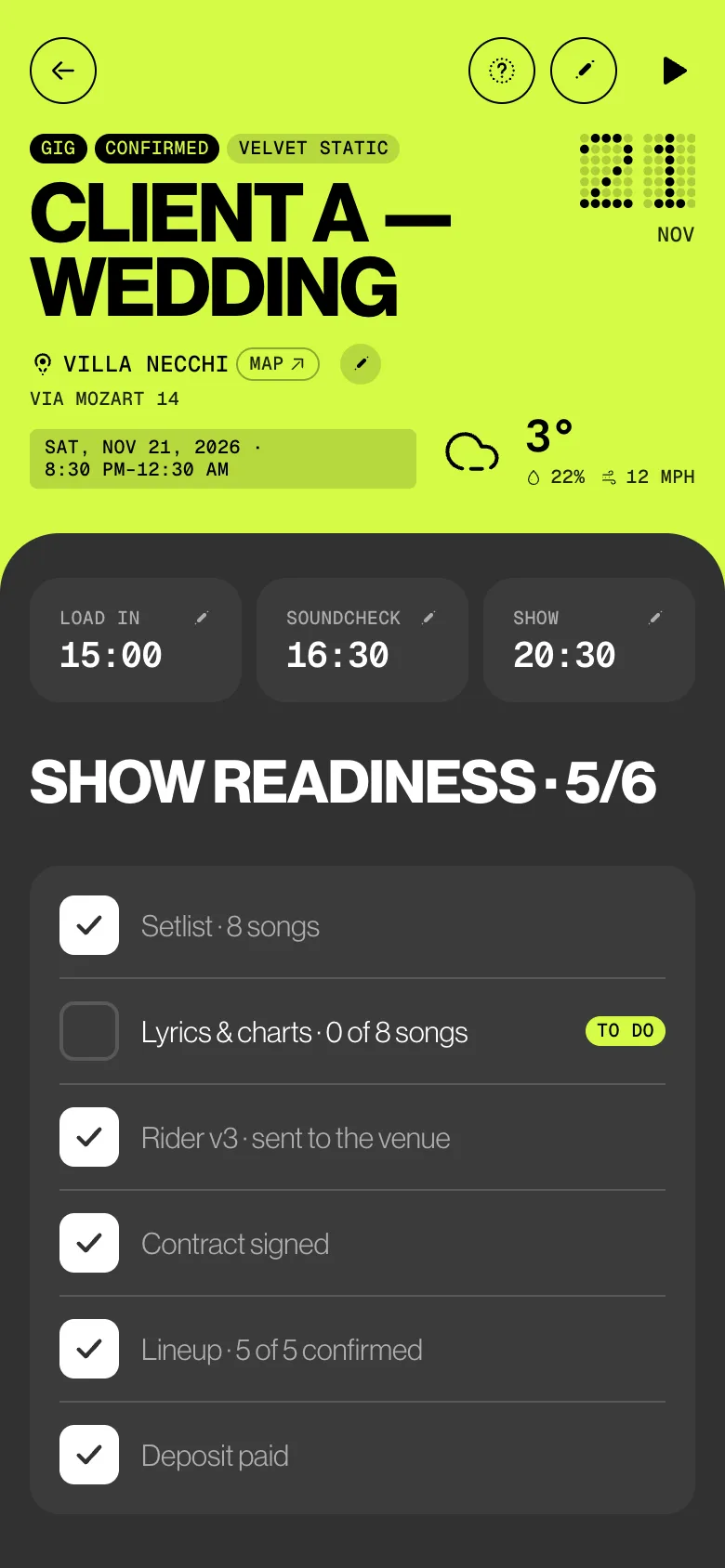
Tap SHARE LINK WITH THE VENUE, or PDF for a file. The rider shows SENT TO THE VENUE with the date, and show readiness ticks the rider line.
03
File it with the contracts
Riders also live in Contracts & docs. Pick Rider as the document type and link it to the gig: it carries that gig’s stage plot, input list and who brings what.
04
Changed? Send the next version
Tap ⋯ and New version. The rider goes back to Draft as the next version. Share it again and the venue sees the new one.
Try it
Drag a drummer.
Get four channels.
Put the band on stage and watch the input list fill in, in desk order. Take someone off and their channels go with them. Then see the page the venue opens.
Stage plotFull band · 6 × 4 m
Audience · stage 6 × 4 m
Input list
| Ch | Source | Mic / DI |
|---|
Who sees what
Admins set it up.
The band reads it.
Admins build the stage and send it. Members open it read-only and can share the PDF. The venue sees the times, the plot and the lists, never the client or a fee.
| What | Admin | Member | Deputy |
|---|---|---|---|
| Sees the rider, plot, input list and who brings what | Yes | Read only | No |
| Draws the stage plot, on any device | Yes | No | No |
| Edits the input list and who brings what | Yes | No | No |
| Shares the link with the venue | Yes | No | No |
| Shares the rider PDF | Yes | Yes | No |
| Keeps riders and new versions in Contracts & docs | Yes | No | No |
The small things
Less to explain
at load-in.
- What the venue sees
The venue opens the link in a browser, with no account: the rider, the gig’s times and venue, the stage plot, the input list and who brings what, in its own language when available. Never the client or any fee.
- Hold to add, hold to move
Hold an empty spot to add a musician or gear right there. A quick swipe still scrolls the page.
- More than one layout
Name each layout and set the stage width and depth in metres. + NEW LAYOUT adds another.
- Your channels stay
Fine-tune with EDIT LIST: source, mic or DI, who. Saving the plot again keeps your changes; a rebuild from the lineup asks first.
- Who brings what
BAND BRINGS and VENUE PROVIDES, one per line, suggested from the lineup. Tick The venue agreed to this when it’s settled.
- Sent means shared
Show readiness reads Rider v3 · sent to the venue once the link or the PDF is shared. Saving the PDF to the phone doesn’t count.
Learn it
The Guide,
step by step.
Six short articles in the BandWith Academy, in six languages.
- Rider and stage plotDraw the plot, build the input list, share it.
- Riders in Contracts & docsA web link for the venue, and new versions.
- Show readinessWhen the rider counts as sent.
- Contracts & docsWhere contracts and riders are kept.
- Create a gig on iPadPrepare the rider before the gig exists.
- The gig workspaceWhere RIDER & STAGE sits on a gig.